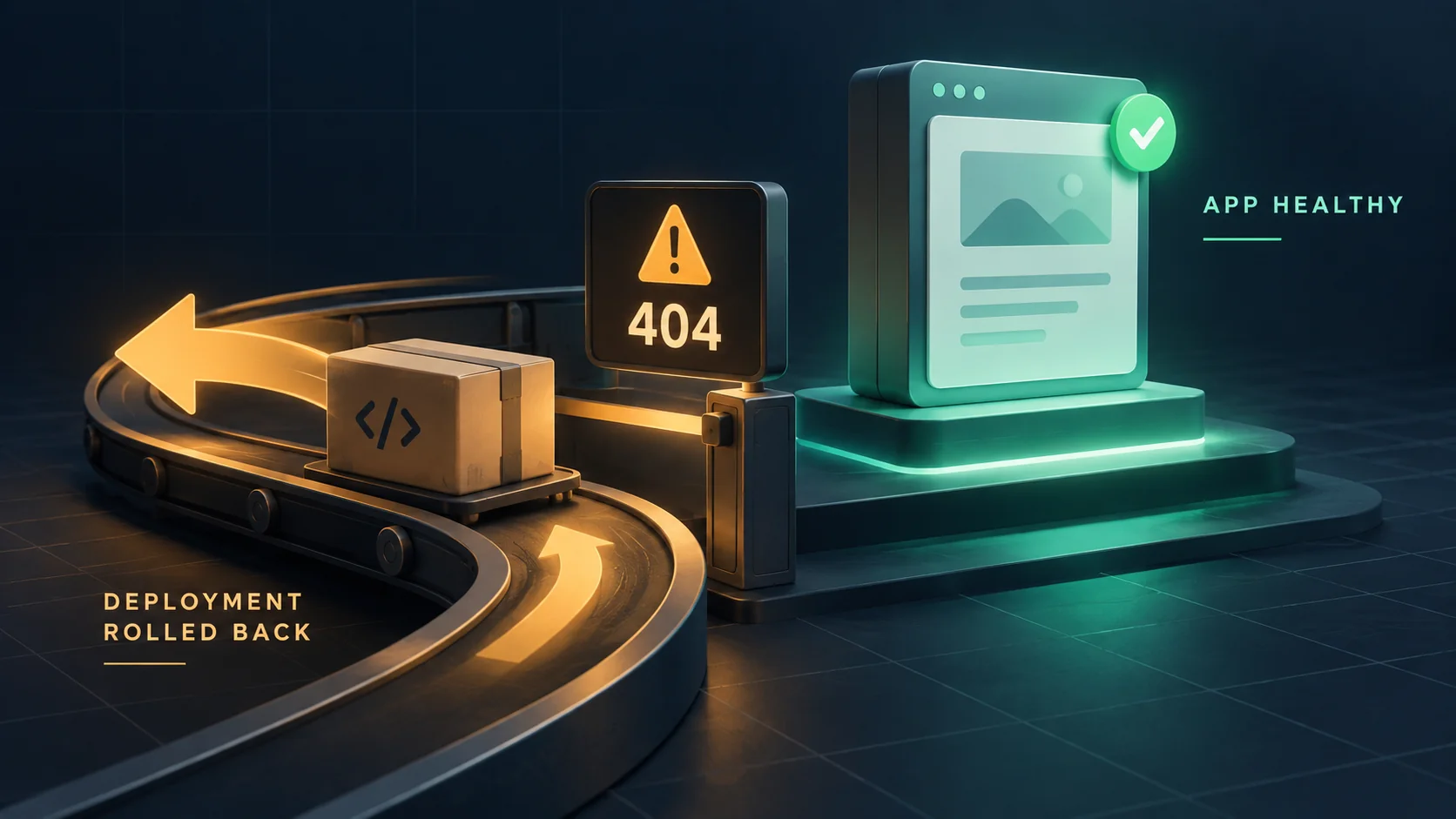
There is a specific kind of deployment failure that can waste an entire afternoon. The new version installs. The service starts. The logs look clean. Then the pipeline rolls back the release and reports failure—even though the application had started successfully.
The usual reaction is to suspect the release, rebuild it, and deploy again. The second attempt fails in exactly the same way. The release was never the problem. A deployment check was enforcing a condition that the release did not control.
This post explains how to recognise that situation, confirm it in about two minutes, and fix it without simply disabling the check.
The cause: checks that assert on mutable state
A rollback-triggering deployment check should answer a focused question: is the new release safe to run? Its required conditions should be stable and attributable to the code, configuration, or dependencies being deployed.
Problems begin when the check also depends on mutable state that the release does not control. Common examples include:
- A smoke test requests a list of URLs, including a CMS page that an editor can unpublish.
- A readiness probe queries a database table that may legitimately be empty even while the application can serve traffic.
- A check requires one HTTP status even though the route's contract permits a redirect or a deliberate 404.
- A gate depends on a feature flag, configuration value, or licence managed outside the release, without recording the expected state.
- A canary analysis uses a business metric without allowing for normal variation, low traffic, or missing data.
In each case, the assertion mixes release health with the state of the surrounding system. That state may still matter, but it needs its own contract and the right consequence when it changes.
The difficult part is timing. These checks may pass for months because nobody has yet made the ordinary content or configuration change that turns the assertion false. When someone finally does, the failure arrives with an unrelated release, and every instinct points to the wrong suspect.
Where this shows up
The pattern appears across very different deployment tools.
Kubernetes probes. A liveness probe pointed at a content route can restart a container repeatedly after the configured failure threshold is reached. A readiness probe on the same route leaves the container running but removes the Pod from matching Service endpoints, so it stops receiving normal traffic.
Use dedicated endpoints with separate meanings. Liveness should show that the application itself can continue running, while readiness may also verify dependencies required to serve requests. A missing CMS page belongs in neither check unless that page is genuinely essential.
Load-balancer health checks. A target-group check aimed at / or a marketing page may mark healthy instances as unhealthy when the page moves or begins redirecting. The exact result depends on the load balancer's configured success codes.
Docker HEALTHCHECK. Docker records a container as starting, healthy, or unhealthy. Whether an unhealthy container is restarted or replaced depends on the surrounding orchestrator and its policy.
Canary and progressive delivery. Argo Rollouts and similar tools can stop or roll back a release when an analysis fails. A volatile business metric or too little traffic may produce a failure or an inconclusive result unless the thresholds and missing-data rules are designed carefully.
Homegrown deployment scripts. This is the most common version—and the one I encountered. A Bash script installs the release, restarts the service, then requests a hardcoded list of URLs and requires HTTP 200 from each. The list is written once and then outlives everyone's memory of what it contains.
Confirming it in two minutes
Before rebuilding anything, answer three questions in order.
1. Did the new version start successfully? Read the log lines immediately before the failure, not only the failure itself. Look for the deployed version and the result of its internal health or readiness check. This does not prove that every feature works, but it shows which deployment stage succeeded.
2. Which assertion failed, exactly? Find the URL, metric, probe, or condition named in the error. Automated rollbacks usually identify it, and that name often points directly to the real problem.
3. Does the assertion fail on the restored version too? Repeat the same check against the currently running version after rollback. If it also fails on the old release, that is strong evidence that the gate depends on shared data or configuration rather than the new code.
Before treating this as proof, confirm that the failed deployment did not change that shared state through a migration or configuration update.
That third step is the one people skip. It can turn an afternoon of rebuilding into a two-minute diagnosis.
The remedy
Immediately: pre-flight the applicable checks before deploying. Run every existing-state assertion that your pipeline will reuse against the version already in production. A failure discovered now can be investigated before a full install-and-rollback cycle begins.
Checks that exist only in the new release still belong after deployment.
For a URL list, a short diagnostic is enough:
base_url="https://example.com"

for path in / /about /pricing /docs /login; do
  status="$(curl --silent --show-error --output /dev/null \
    --connect-timeout 5 --max-time 10 \
    --write-out '%{http_code}' "${base_url}${path}")"
  printf '%s  %s\n' "$status" "$path"
done
Compare each result with that route's declared contract. A non-200 response is a blocker only when the route is required to return 200. A deliberate redirect or 404 should be recorded as the expected result—not accepted blindly and not treated automatically as a failure.
Structurally: separate checks by purpose. Different checks answer different questions and deserve different consequences.
- A liveness check asks whether the application is stuck and needs restarting. Keep it inexpensive and independent of editorial content.
- A readiness check asks whether the instance can accept traffic. It may include essential dependencies, but not optional content.
- A release smoke test verifies stable application behaviour and critical user journeys. Repeated failure may justify rollback when the result is attributable to the release.
- A content check verifies editorial expectations. It should normally alert or warn rather than discard a working release.
A dedicated health endpoint should expose only the information needed by the deployment system. Avoid publishing sensitive dependency details or unnecessary version information on a public endpoint.
Where a check must remain strict, assert on an explicit contract. Do not accept both 200 and 404 merely because a route is content-managed. Instead, check the known publication state and require the corresponding response, or test a stable fixture that the deployment process owns.
For configuration drift: if the application reads a file generated by an installer or configuration tool, do not edit the generated file directly. The next run will recreate it and erase the change.
Update the source from which the file is generated—the same rule that applies to files managed by Ansible or cloud-init.
What this looked like in practice
In my case, the deployment log read as a success until the final step:
Successfully installed vishow-tools-0.1.0a40
{"admins": 1, "pages": 28, "status": "ready"}
nginx: configuration file /etc/nginx/nginx.conf test is successful
Waiting for the loopback health endpoint (up to 30 seconds)...
{"status":"ready","version":"0.1.0-alpha40","cms":{"ready":true,"pages":28,"admins":1}}

Cause: GET /posts did not return HTTP 200 after the update.
Reason: the target release update did not complete successfully.
Solution: the previous release will be restored.
Read the line above the failure, not only the failure itself. The new version had reported the expected version number, passed its internal readiness check, and connected to the database. The failed condition was a separate request to /posts.
That route was a CMS index I had set to draft the previous day for editorial reasons. In this CMS, draft meant hidden, hidden meant 404, and the script could not distinguish “broken” from “hidden on purpose.”
The existing test suite had passed because it created a fresh database from seed data, and the seed published every page. It therefore never exercised the production condition of a drafted index page.
A test could reproduce that state with a suitable fixture, but it would still test CMS behaviour—not whether production content currently satisfied a deployment gate. Those are separate questions.
Tracing the problem uncovered a second fault that had not fired yet. I had changed the site from test mode to production mode by editing a generated environment file instead of the state file from which it was rendered.
The next successful deployment would have regenerated the environment file, silently restored a site-wide noindex header, and still reported success, because the verification step would have checked the actual response against the same outdated deployment mode.
The checklist
- Read the log lines around the failure, not only the failure message.
- Identify the exact assertion that failed.
- Test shared-state assertions against the restored version.
- Confirm that the failed deployment did not alter the state being tested.
- Pre-flight checks that can be evaluated before deployment.
- Give liveness, readiness, release, and content checks separate contracts.
- Point health checks at dedicated endpoints, not mutable content.
- Let editorial checks warn; reserve rollback for failures tied to the release and critical service behaviour.
- Never edit a generated configuration file; update its source.
If your pipeline can roll back a working release because of something a non-engineer changed in an admin panel, it is not acting as a safety mechanism. It is acting as a trip wire—and it will eventually fire on your busiest day.