IPv4 CIDR and subnet ranges
Read a slash prefix, find the subnet boundary, and count total and usable addresses.
Read a slash prefix, find the subnet boundary, and count total and usable addresses.
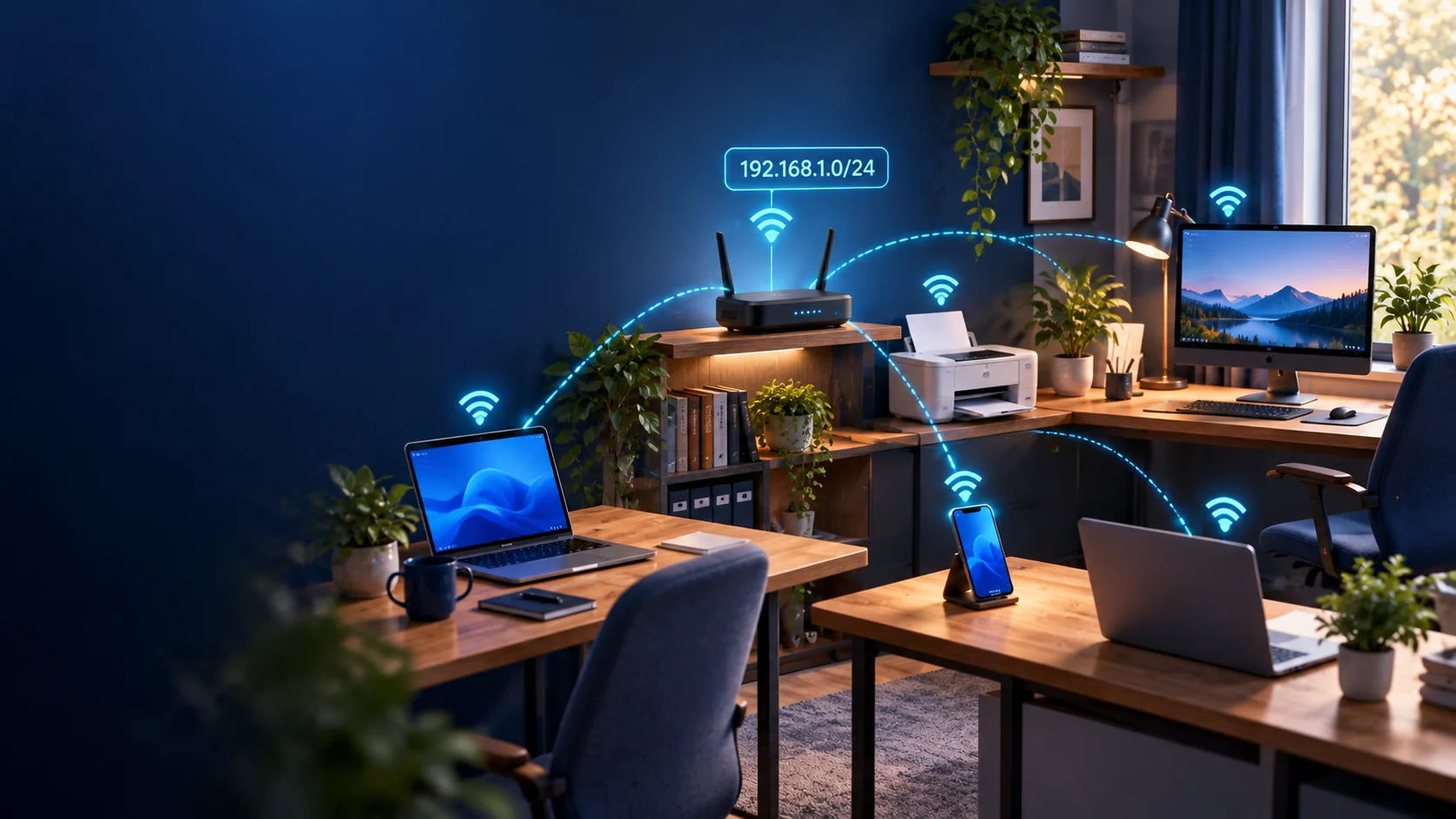
Someone sends you 192.168.1.42/24 and asks whether 192.168.1.200 is in it. Or a firewall rule needs a range and you're not sure whether /24 is too big.
Short version. The number after the slash counts the network bits. Bigger slash number, smaller range. A /24 contains 256 addresses, normally 254 assignable to interfaces. The prefix determines the boundaries; /31 and /32 have special uses.
Router settings often show the same thing as a subnet mask: /24 is 255.255.255.0.
An IPv4 address is 32 bits. The prefix length runs from 0 to 32: it tells you how many leading bits are fixed for the network. The remaining bits vary within it.
/24 leaves 8 host bits: 2⁸ = 256 addresses. Each step up halves the range. /25 gives 128 addresses; /26 gives 64. In general, a /n contains 2^(32 − n) addresses.
Think of phone numbers with fixed starting digits. The more digits you fix, the fewer combinations remain.
192.168.1.42/24 is an address inside 192.168.1.0/24, which spans 192.168.1.0–192.168.1.255. So yes, 192.168.1.200 is inside it. The range does not start at .42.
Check a specific range with the IPv4 CIDR Calculator.
In a conventional IPv4 subnet through /30, two addresses are reserved.
Set all host bits to zero for the network address, which identifies the subnet. Set them all to one for the broadcast address, used to address all hosts on that subnet. Neither is normally assigned to an interface.
In 192.168.1.0/24, .0 is the network and .255 is the broadcast, leaving .1–.254 for interfaces.
That is not a blanket ban on addresses ending in .0 or .255. In 192.168.0.0/23, both 192.168.0.255 and 192.168.1.0 are host addresses. Check the whole address and prefix.
These are conventional addressing counts. Gateway addresses use part of the host allowance, and cloud platforms may reserve additional addresses.
| Prefix | Host bits | Total addresses | Usable |
|---|---|---|---|
| /23 | 9 | 512 | 510 |
| /24 | 8 | 256 | 254 |
| /25 | 7 | 128 | 126 |
| /26 | 6 | 64 | 62 |
| /27 | 5 | 32 | 30 |
| /28 | 4 | 16 | 14 |
| /29 | 3 | 8 | 6 |
| /30 | 2 | 4 | 2 |
| /31 | 1 | 2 | 2 on a supported point-to-point link |
| /32 | 0 | 1 | 1 single address |
A /32 identifies exactly one IP address. It is useful in firewall rules and host routes; it does not describe a shared LAN with spare addresses for neighbours.
A /31 provides two endpoint addresses on a point-to-point link under RFC 3021. Both ends must support it. Both addresses identify endpoints; neither is reserved as the network or broadcast address. This saves two addresses compared with a /30. This is not the general sizing rule for a two-device LAN.
10.0.0.0/16 covers 10.0.0.0–10.0.255.255. The entire 10.0.5.0/24 range sits inside it.
For valid, aligned CIDR blocks, a shorter prefix contains any longer-prefix block whose starting address falls within it.
Suppose one firewall rule permits the /16 and another denies the /24. On a first-match firewall, the first matching rule wins. Check your product's evaluation rules: a narrower prefix does not automatically override a broader rule.
For a firewall allowlist, choose only the range that needs access. Growth allowance belongs in subnet planning, not in permission to connect.
Count the addresses you need, including gateways and infrastructure, then allow for expected growth. Doubling today's device count is a starting estimate, not a rule.
Twenty devices growing to forty, plus a gateway, fit in a conventional /26 with 62 usable addresses. A /27 offers only 30. Check provider reservations before using these counts in a cloud subnet.
Too small can mean disruptive renumbering. Oversizing consumes private address space and leaves less room for other networks or future VPN connections. A bigger subnet allows more hosts; it does not create broadcast traffic by itself.
/31 is for supported point-to-point links; /32 identifies one address.Work out a specific range with the IPv4 CIDR Calculator.